
Endpoint Visibility for SMBs: The Simple Trick to Know What's Happening Without a Security Team

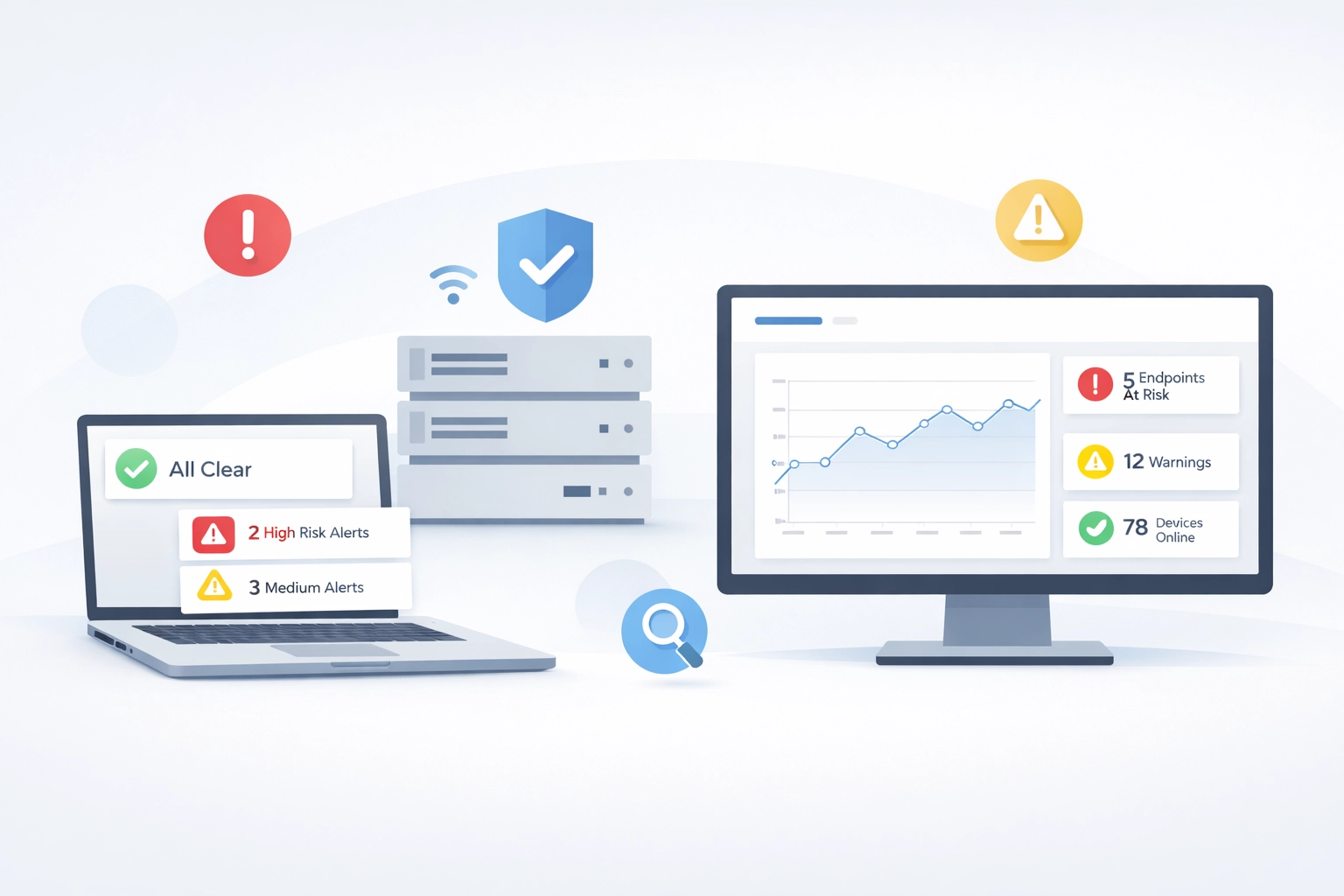
You have antivirus running. Firewalls are enabled. Patches are mostly up to date.
But if someone asked you right now, "What's actually happening on your endpoints?", could you answer with any real certainty?
For most SMBs, the honest answer is no. And that's not negligence. It's the default.
What Endpoint Visibility Actually Means
Endpoint visibility isn't about installing more security tools. It's about knowing what those endpoints are doing, in real time, across your entire fleet, without needing a security team to interpret the data.
Most small businesses confuse having security software with having visibility. They're not the same thing.
You might have:
Windows Defender scanning for malware
A firewall blocking incoming threats
Event logs piling up somewhere you rarely check
Cloud authentication alerts you glance at occasionally
Each of these creates data. But none of them tells a complete story.
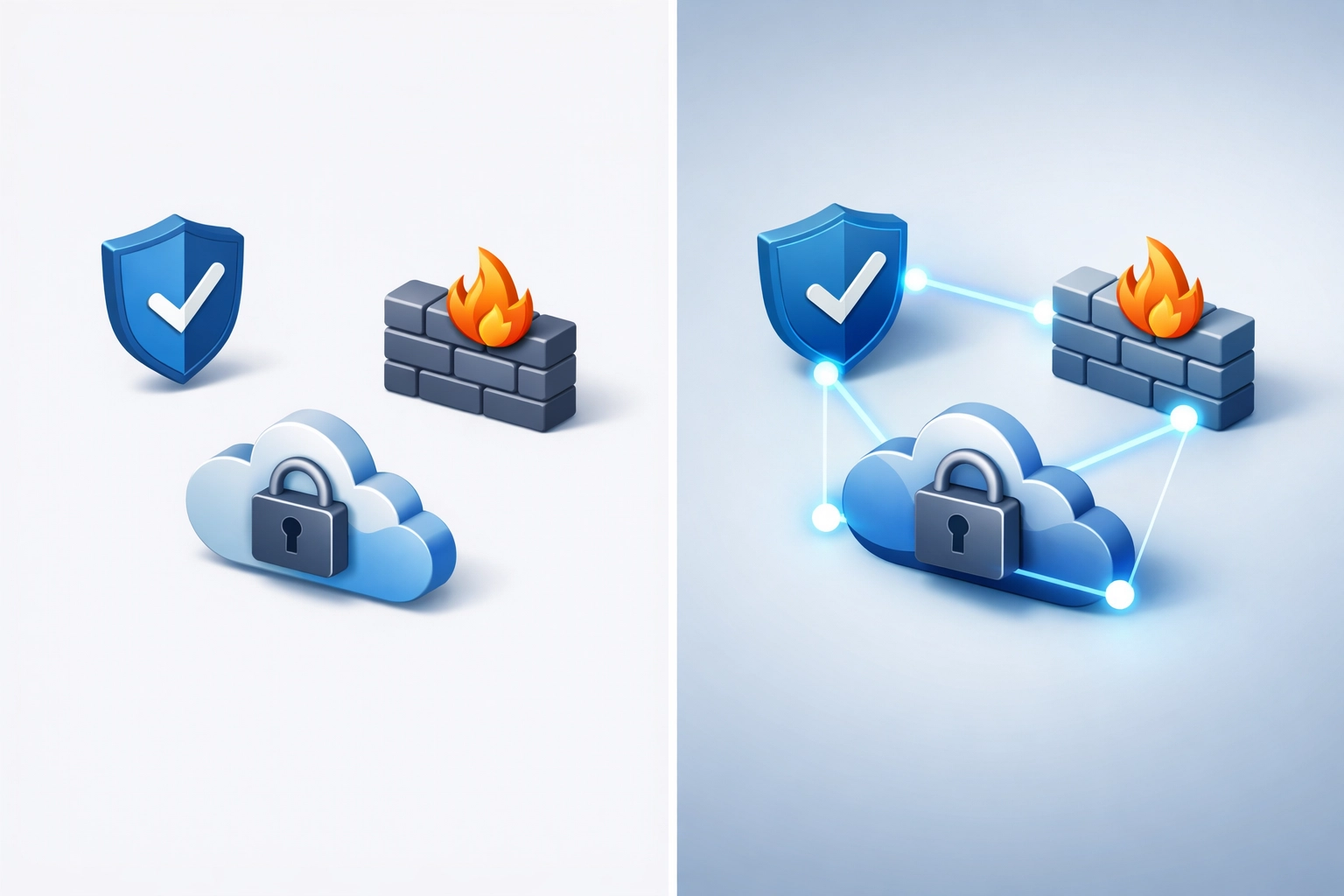
Visibility means being able to answer questions like:
Which machine is behaving unusually right now?
What processes are running that shouldn't be?
Is anything communicating with external servers it's never contacted before?
Are there patterns that suggest something's wrong before files get encrypted?
By the time Windows Defender flags ransomware, your files may already be encrypted. By the time you notice unusual network traffic, the damage may already be done.
Real visibility shows you risk patterns before they become incidents.
Why This Matters for Teams Without a SOC
Large organisations solve this with Security Operations Centres, teams of analysts monitoring dashboards around the clock, correlating events, hunting for threats.
You don't have that. And you shouldn't need it.
The problem is that most endpoint monitoring tools are built for those SOC teams. They generate thousands of alerts, require constant tuning, and expect someone with security expertise to make sense of the noise.
This leaves SMBs in a difficult position:
Option 1: Rely solely on signature-based antivirus (like Defender) and hope it catches everything.
This works for known threats. It doesn't work for unusual behaviour, policy violations, or early indicators that something's going sideways.
Option 2: Invest in full EDR platforms designed for enterprises.
These provide deep visibility but come with complexity, cost, and the assumption that you have skilled staff to operate them. Many SMBs try this route and end up overwhelmed by alerts they don't have time to investigate.
Option 3: Accept that you're operating partially blind and hope nothing bad happens.
This is where most small businesses land. Not by choice, but by elimination.
The Visibility Gap in Practice
Here's what partial visibility looks like day-to-day:
A laptop starts running unusually hot. Is it a Windows update, cryptomining malware, or something else? You don't know without manually checking.
Someone's account logs in from two cities simultaneously. Your cloud provider flags it, but you have no context about what happened on the endpoint itself.
A server begins making outbound connections to an IP you don't recognise. Was it triggered by a legitimate process or something malicious? By the time you investigate, the trail may be cold.
You're not seeing what's happening, you're seeing what already happened, and only some of it.

What Good Endpoint Visibility Looks Like
Effective endpoint monitoring for small businesses isn't about installing the most feature-rich platform. It's about getting answers to the questions that actually matter:
1. Is anything behaving unusually right now?
Not "did antivirus catch something?", but "is there activity on my endpoints that doesn't match normal patterns?"
This includes:
Processes executing from unexpected locations
Unusual network connections
Changes to system files or registries
Privilege escalation attempts
Lateral movement across your network
2. Can I understand why something was flagged?
An alert that says "suspicious activity detected" isn't helpful if you can't see the chain of events that led to it.
Good visibility shows you the full context: what process triggered it, what it was trying to do, what user account was involved, and what happened immediately before and after.
3. Can I see this without a degree in cybersecurity?
If you need to cross-reference log files, interpret hexadecimal strings, or understand complex attack frameworks just to answer "should I be worried about this?", the tool isn't built for you.
Visibility should be explainable. If you can't understand what you're seeing, you can't act on it.
Where Windows Defender Fits (and Where It Doesn't)
Windows Defender is a capable antivirus solution. It catches known malware, blocks common threats, and integrates natively with your Windows environment.
It's not bad. It's just not built to give you operational visibility.
Defender tells you when it stops something. It doesn't show you patterns of unusual behaviour that might indicate a problem before malware executes. It doesn't give you a centralised view across all your endpoints. And it doesn't provide the context you need to triage incidents when you're not a security analyst.
This isn't a criticism, it's a recognition of what the tool is designed to do.
FortiSense doesn't replace Defender. It adds the visibility layer that Defender wasn't built to provide.
Rather than asking "did antivirus catch this?", FortiSense asks "what's happening across my endpoints that looks risky, and can I understand it quickly?"
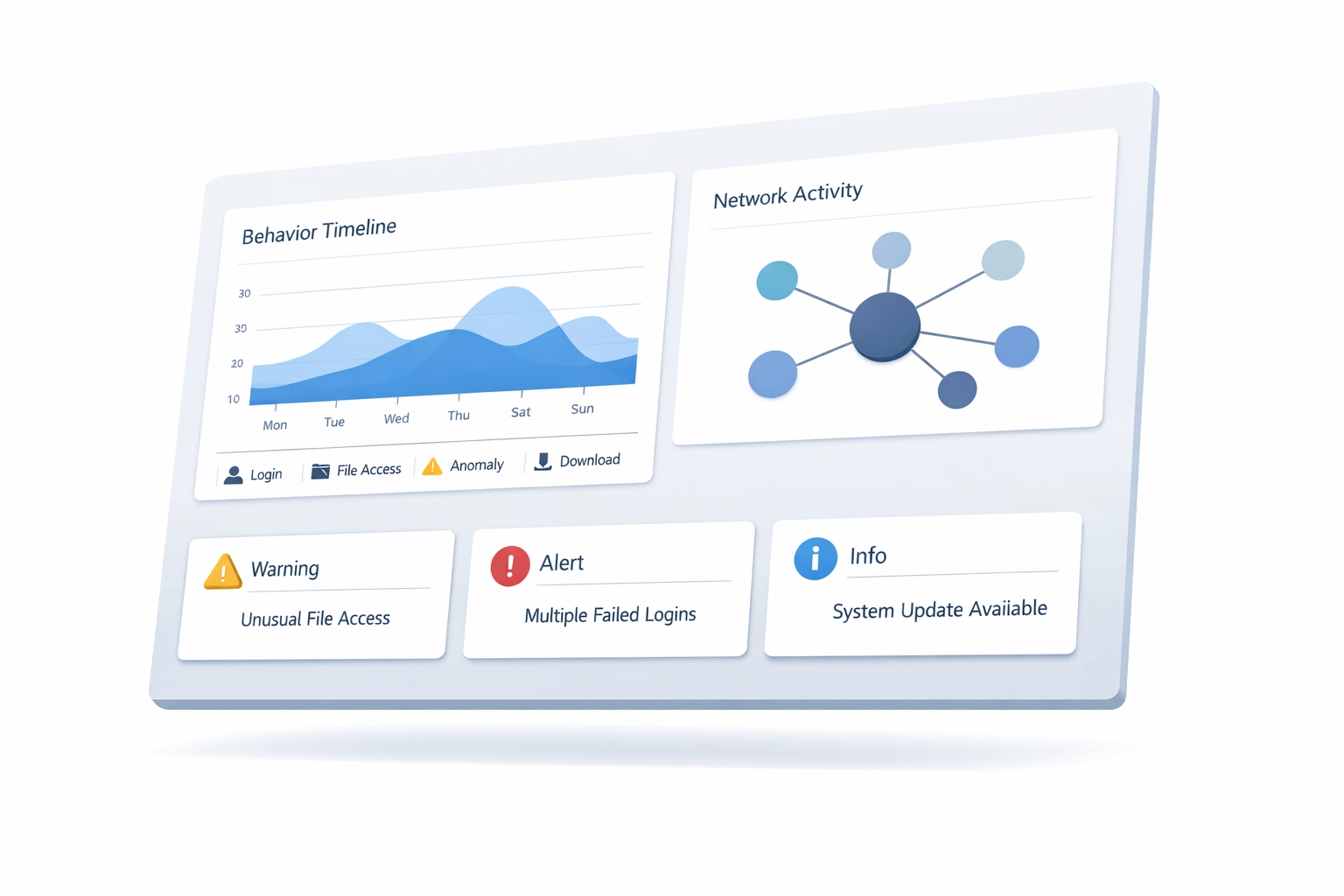
What to Do Next: Building Visibility Without Building a Security Team
If you're running a small business or managing IT for one, here's a practical framework:
Step 1: Acknowledge what you can't see
Start by accepting that antivirus alone doesn't give you visibility. Make a list of questions you can't currently answer:
What processes are running on each endpoint right now?
Which devices are communicating with external servers?
Are there any unusual authentication patterns?
What happens on an endpoint when someone clicks a dodgy link?
If you can't answer these without significant manual investigation, you have a visibility gap.
Step 2: Look for monitoring that shows risk, not just detections
The goal isn't to catch every possible threat, that's unrealistic. The goal is to see patterns that indicate something might be wrong.
Look for tools that:
Aggregate behaviour across all your endpoints in one place
Highlight deviations from normal activity
Explain why something was flagged, not just that it was flagged
Don't require constant tuning or security expertise to operate
Step 3: Test whether you can actually use it
Many endpoint monitoring platforms look impressive in demos but become unusable in practice because they generate too many alerts, require too much configuration, or assume expertise you don't have.
Before committing, ask:
Can I understand the alerts without Googling technical terms?
Will this create more work or reduce uncertainty?
Does it integrate with what I'm already running (like Defender)?
Can I trial it properly before paying?
If the answers are no, it's probably not built for you.
What FortiSense Is (and Isn't)
FortiSense is lightweight endpoint monitoring built around a different question.
Rather than "how do we replicate what a SOC does?", we asked: "what do SMBs actually need to see, and how do we show it clearly?"
What FortiSense provides:
Real-time visibility into endpoint behaviour across your fleet
Risk signals that show unusual activity before it becomes an incident
Explainable alerts you can triage without security expertise
Context for what's happening, not just raw logs or detection events
Integration with Windows Defender (it doesn't replace it)
What FortiSense is not:
A full EDR replacement for organisations with dedicated security teams
An antivirus (you should keep running Defender or equivalent)
A prevention tool that blocks threats automatically
A "set and forget" solution: you'll still need to review alerts and make decisions
It's designed for teams who need to know what's happening but don't have the time, budget, or staffing to operate enterprise security platforms.
Closing Thoughts
Endpoint visibility shouldn't require a security team. It should be a basic operational capability: something you can check as easily as you check server uptime or disk space.
The "simple trick" isn't a hack or a shortcut. It's choosing monitoring that's actually built for how small teams operate: limited time, limited expertise, and a need for clear answers over exhaustive data.
If you're curious whether FortiSense fits your environment, you can try it for 14 days with no commitment required. Install it, see what it shows you, and decide whether it answers the questions you actually have.
No sales calls. No pressure. Just visibility.
Join Founders Access for beta features and direct support during development.
Learn more →