
EDR for Small Business: What You Actually Need (And What You Don't)

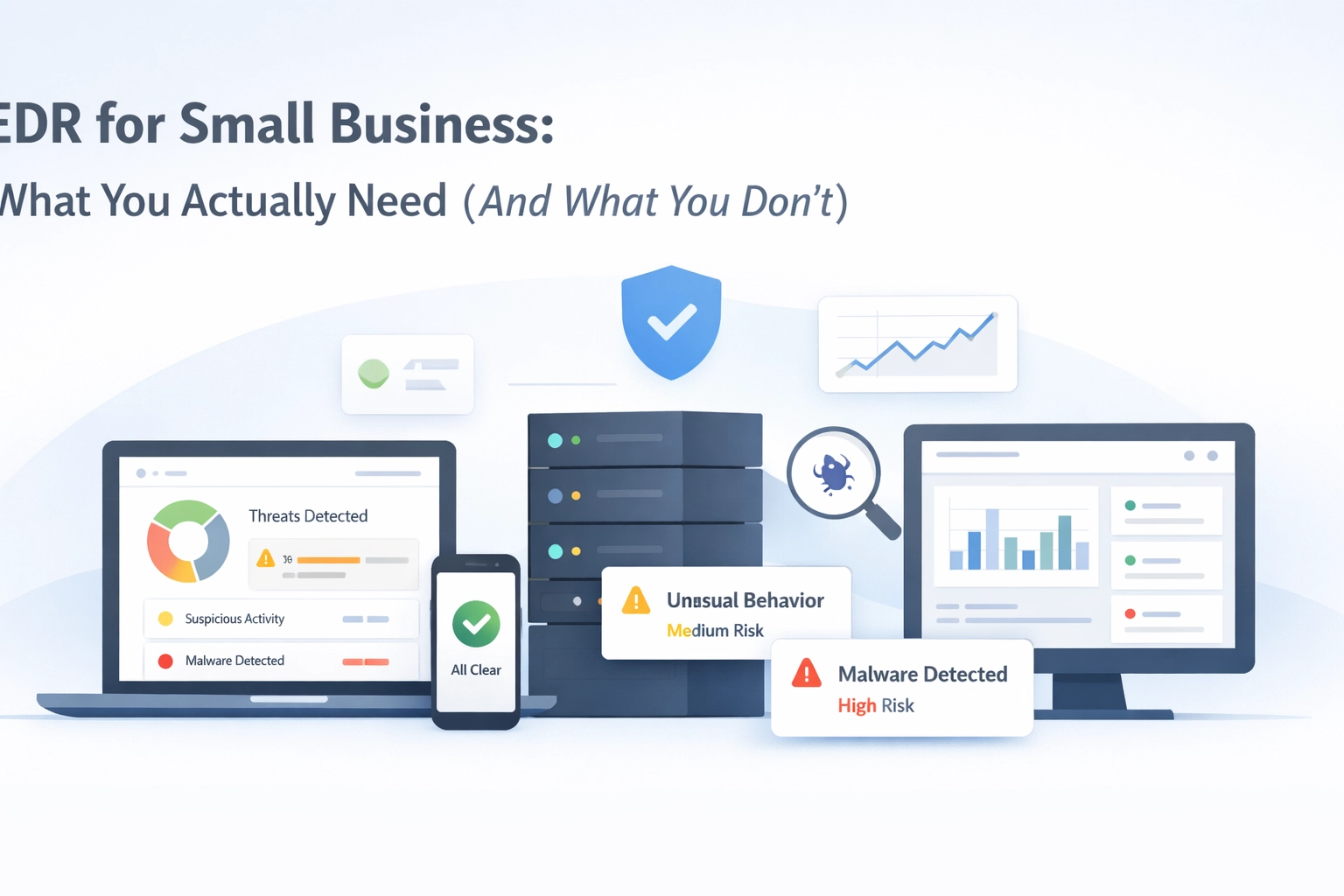
You've been told you need EDR. Your cyber insurance form asks if you have it. Your MSP keeps mentioning it. And when you search "best EDR for small business," you get a list of enterprise tools with enterprise price tags: and enterprise complexity you don't have the team to manage.
This is the EDR conversation most small businesses are stuck in: trying to figure out which full-featured detection and response platform to squeeze into a budget and team built for something much simpler.
Here's what that conversation misses: you may not need EDR at all.
Or more precisely, you may need parts of what EDR does, without the operational overhead, analyst requirements, and complexity that come with a full EDR deployment.
The EDR conversation most small businesses are having
The typical advice goes like this:
Get antivirus first (you probably have Windows Defender already)
Layer on EDR for "advanced threats"
Consider MDR if you can't staff a security operations centre
Budget £50–150 per endpoint, per year
Plan for alert tuning, policy management, and response workflows
This isn't bad advice. It's just aimed at a different organisation.

Most businesses with 50–500 employees don't have a security analyst. They have an IT generalist managing endpoints, patching, user requests, and occasionally investigating why someone's laptop is running slowly.
Telling that person they need CrowdStrike or SentinelOne is like recommending a full commercial kitchen when they're trying to make breakfast.
What EDR actually means (and what it doesn't)
EDR: Endpoint Detection and Response: monitors activity on devices, collects telemetry, identifies suspicious behaviour, and allows you to investigate and respond to incidents.
In practice, that means:
Monitoring processes, network connections, file changes, registry modifications
Correlating activity across endpoints to spot patterns
Alerting when behaviour matches known attack techniques
Providing forensic data for incident investigation
Enabling remote response actions (isolate, kill processes, quarantine files)
It's a second line of defence. Antivirus tries to block known malware. EDR watches for behaviour that looks like an attack, even if the specific malware is new.
That sounds essential. And for enterprises with active threat hunting teams, it is.
But here's what EDR is not:
It's not automatic. It generates alerts that require interpretation.
It's not simple. Tuning policies to avoid alert fatigue takes expertise.
It's not hands-off. Someone needs to review findings and decide what to do.
> Rather than asking "Do I need EDR?", many small businesses should be asking: "What visibility do I actually need, and who's going to act on it?"
What you actually need
Let's break this into three areas.
1. Visibility into what's running on your endpoints
You need to know:
What software is installed across your estate
Which applications are being executed (especially unsigned or unusual ones)
Whether baseline behaviour is changing (new scheduled tasks, persistence mechanisms, unusual memory usage)
Why it matters: Most compromises leave traces before they escalate. A remote access tool installed silently. A PowerShell script added to startup. A process connecting to an unusual external IP.
You don't need real-time correlation across 10,000 endpoints. You need a clear, explainable view of what's happening on your 100 or 500 devices: preferably without needing a security analyst to interpret it.
2. Early warning indicators that matter
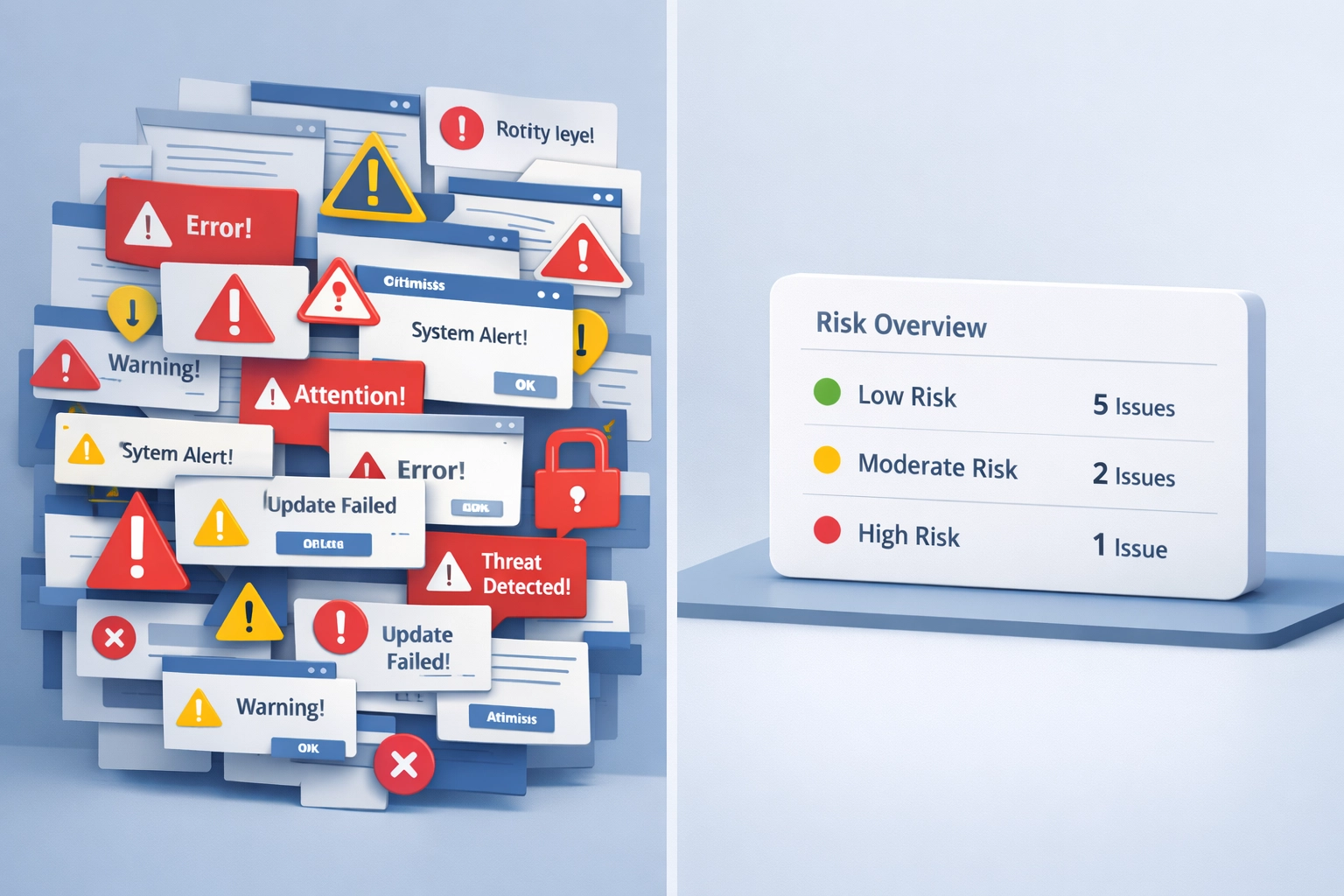
Not every anomaly is an incident. EDR platforms generate thousands of alerts, many of them false positives or low-priority findings.
What you actually need:
Alerts for high-risk behaviours (credential dumping, lateral movement attempts, ransomware precursors)
Context that explains why something was flagged
A signal-to-noise ratio you can act on without a dedicated SOC
Many small businesses enable EDR, get overwhelmed by alerts, and either ignore them or spend hours chasing benign activity.
That's not security. That's alert fatigue with expensive licensing.
3. Something that complements Windows Defender, not replaces it
Defender is already running on most Windows endpoints. It's competent, built-in, and improving with each release.
You don't need to rip it out. You need something that fills the gaps:
Defender blocks known malware. You need visibility into unknown or suspicious behaviour.
Defender runs locally. You need centralised insight across your estate.
Defender protects in the moment. You need historical context when something feels off.
An EDR alternative or complement should work alongside Defender, not as a wholesale replacement.
What you probably don't need
Here's what most 50–500 employee businesses don't need, despite what vendor marketing suggests:
Threat hunting workflows. Unless you have a security analyst, automated hunting queries and custom YARA rules will sit unused.
Real-time forensic investigation tools. Isolating endpoints and pulling memory dumps is valuable during an active incident. But if you're not staffed to respond in real time, those features won't be used.
SIEM integration and API-driven automation. Great if you're building a security stack. Irrelevant if you're just trying to see what's happening on your endpoints.
24/7 SOC-backed MDR. Managed Detection and Response services are excellent: but they're also £100+ per endpoint annually, which prices out many small businesses.
This isn't a criticism of these features. They're essential for larger organisations. They're just not the first thing a small IT team needs.
What FortiSense is (and is not)
This is where FortiSense fits.
FortiSense is built for the organisation that:
Already runs Windows Defender
Doesn't have a security analyst or SOC
Needs endpoint visibility, not full EDR complexity
Wants early warning on high-risk behaviour, not 10,000 alerts
Operates with 50–500 endpoints
What FortiSense does
FortiSense monitors your endpoints for behaviour patterns that indicate pre-ransomware activity, credential abuse, persistence mechanisms, and lateral movement attempts.
Rather than generating raw telemetry for an analyst to investigate, it surfaces explainable risk indicators:
New scheduled tasks or startup items
Unsigned executables or scripts running in unusual contexts
Processes accessing credential stores
Network connections to known-bad or unusual destinations
File modifications consistent with encryption behaviour
Each alert includes context. Not just "suspicious process detected," but why it was flagged, what it did, and what you should check.
What FortiSense is not
FortiSense is not a full EDR platform. It doesn't replace CrowdStrike, SentinelOne, or Microsoft Defender for Endpoint.
It doesn't:
Block malware in real time (that's Defender's job)
Provide forensic-grade memory analysis
Enable remote endpoint isolation or live response
Integrate with SIEMs or orchestration platforms
And that's intentional.
Most small businesses don't need those capabilities. They need visibility they can act on, without requiring a security analyst to interpret it.
FortiSense is an EDR alternative for teams that want endpoint visibility without EDR overhead. Or it's a complement to Defender, adding the monitoring and context layer that Defender doesn't provide.
You can explore how it works at fortisense.io/how-it-works.
What to do next
If you're evaluating EDR for small business, start here:
1. Audit what you already have.
Most organisations already run Defender. Before adding another tool, understand what Defender is (and isn't) doing for you.
2. Decide what you actually need to see.
Do you need real-time alerts on every process execution? Or do you need a daily summary of risky behaviour you can review in 10 minutes?
The answer depends on your team size, risk tolerance, and operational capacity.
3. Test visibility before committing to complexity.
Many businesses implement full EDR, get overwhelmed, and never look at the console again.
Try something simpler first. See if endpoint visibility solves your problem before layering on automated response, threat hunting, and SOC integration.
4. Prioritise explainability over volume.
Alert volume without context is noise. You need tools that explain why something matters, not just that it was detected.
If you can't understand an alert in 30 seconds, it's not useful for a small team.
Closing thoughts
The question isn't whether EDR is valuable. It is: for organisations with the team and structure to use it properly.
The question is whether you need full EDR, or whether you need targeted endpoint visibility that fits your team's capacity.
Most small businesses fall into the second category. They need early warning on high-risk behaviour. They need explainable alerts. They need something that complements Defender without requiring a SOC to manage it.
That's what FortiSense provides. Visibility without EDR complexity. Risk monitoring for teams without security analysts.
If that sounds like your situation, you can try FortiSense free for 14 days. No credit card, no commitment. Just deploy the agent and see what's happening on your endpoints.
Join Founders Access for beta features and direct support during development.
Learn more →