
Already Running Windows Defender? Here's Why You're Still Missing Endpoint Visibility

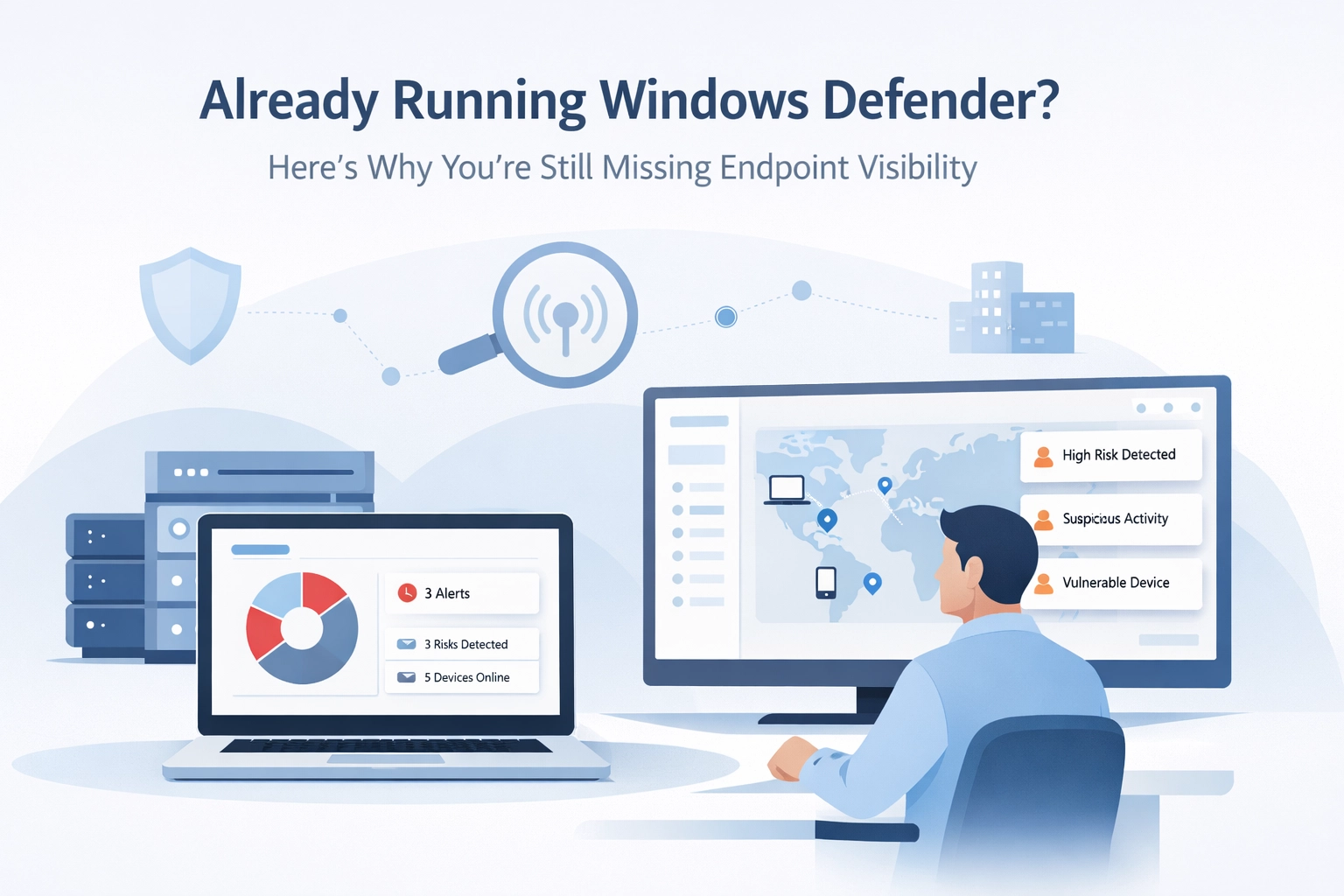
Windows Defender works. It blocks known malware, runs quietly in the background, and doesn't cost extra. For many small businesses, it's good enough.
Until you need to answer a simple question: "What's actually happening on our endpoints right now?"
That's when you realise Defender was never built to tell you.
What Endpoint Visibility Actually Means
Antivirus and visibility are not the same thing.
Antivirus blocks threats it recognises. It compares files against known signatures, scans downloads, and stops malware it's seen before. Windows Defender does this reasonably well.
Endpoint visibility tells you what's happening : whether it's a threat or not.
It answers questions like:
Which machines are running outdated software?
Has anyone installed remote access tools we didn't approve?
Did a user create a new local admin account yesterday?
Are any endpoints communicating with unusual external IPs?
What processes are running on the server right now?
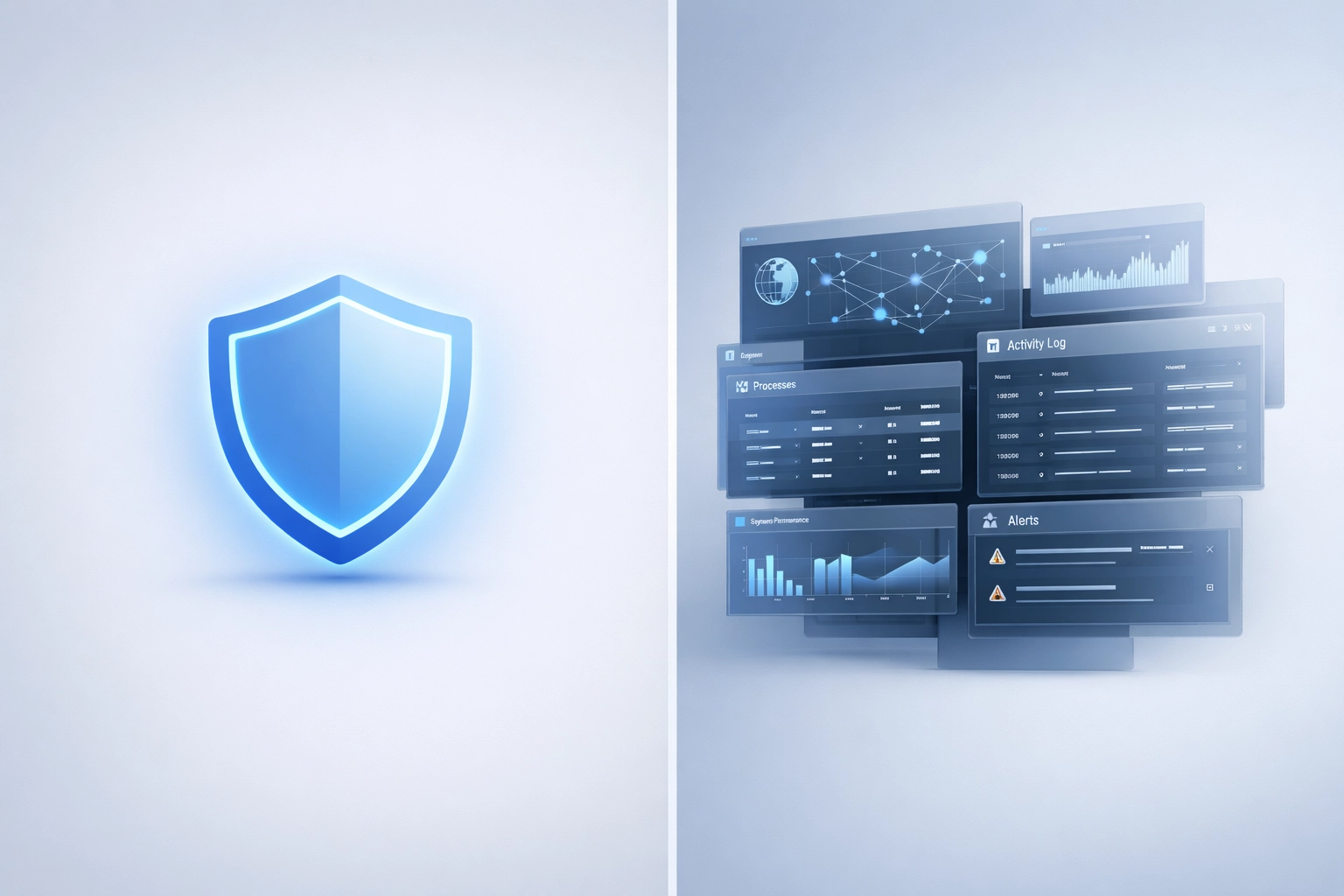
Defender doesn't answer these questions. It's not designed to.
The Gap Between Protection and Context
Windows Defender operates in a binary: threat detected / no threat detected.
When it detects something, it quarantines it. When it doesn't, you see nothing.
This leaves a vast middle ground where things are happening but Defender has no opinion. A colleague installs TeamViewer. Someone runs an old, unpatched application. A script executes that modifies registry keys.
None of these trigger Defender. They're not malware.
But they're exactly the sort of activity you'd want to know about if you're responsible for security.
What Microsoft Defender for Endpoint Adds (And What It Costs)
Microsoft does offer a solution: Microsoft Defender for Endpoint.
This is the enterprise EDR platform that includes:
Behavioral telemetry across network, processes, memory, and file systems
Advanced hunting queries across 30 days of historical data
Custom detection rules for environment-specific threats
Incident correlation across multiple devices
Post-breach remediation capabilities
It's powerful. It's also priced and designed for enterprises with security teams.
For SMBs without a SOC, it's overkill. The platform assumes you have analysts who know how to write KQL queries and interpret raw telemetry.
Most small teams don't.
Why Endpoint Visibility Matters for SMBs
You don't need a SOC to benefit from knowing what's happening on your endpoints.
In fact, visibility matters more when you don't have a dedicated security team.
1. Risk Patterns Emerge Before Breaches Happen
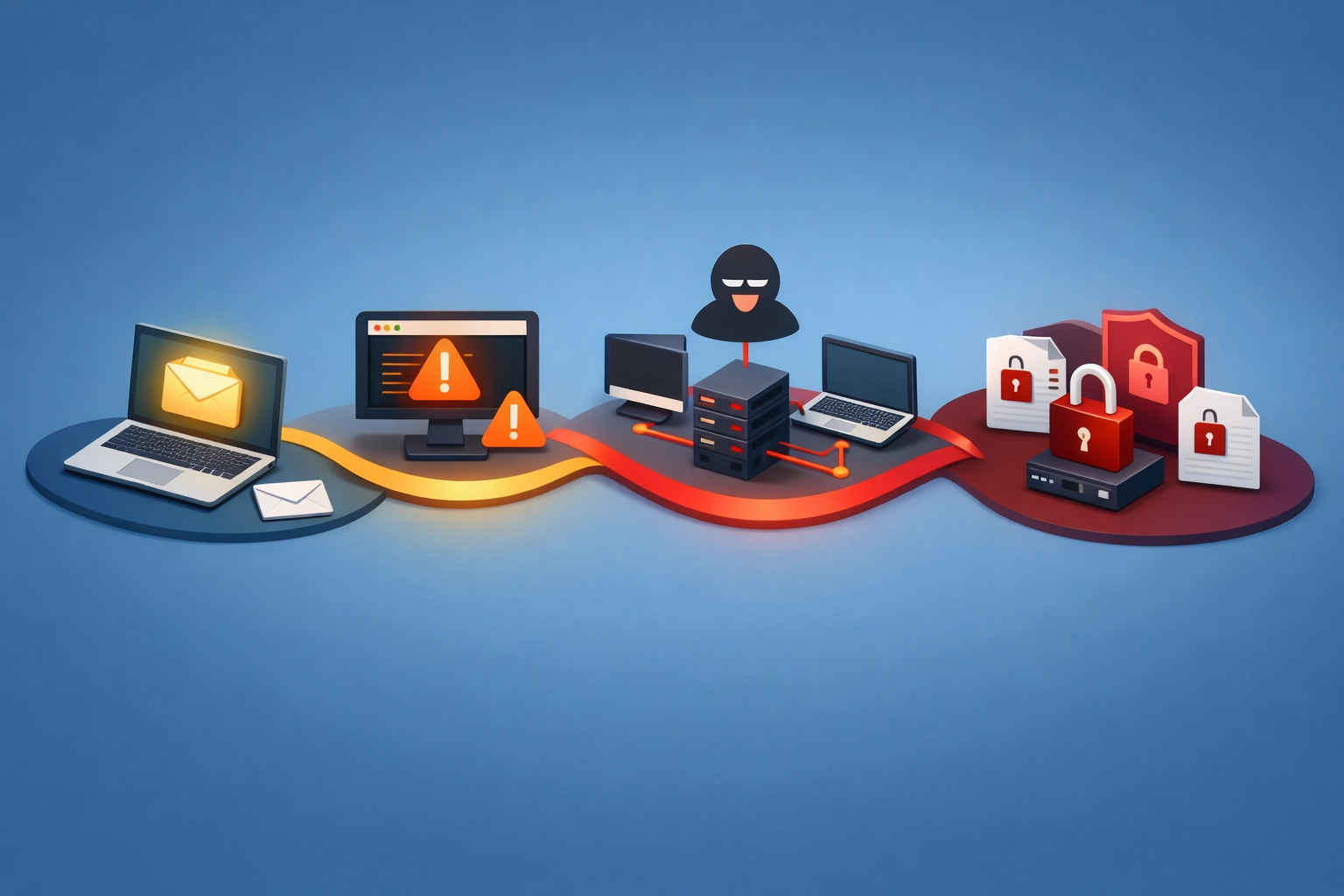
Ransomware doesn't just appear. It follows patterns.
Someone clicks a phishing link. A script runs. Lateral movement begins. Files start encrypting.
By the time Defender detects the ransomware payload, the damage is already underway.
Endpoint visibility lets you spot pre-ransomware behavior: unusual PowerShell execution, mass file modifications, unexpected network connections.
This isn't about preventing every attack. It's about seeing the warning signs while you still have time to respond.
2. You Can't Secure What You Can't See
Ask most SMB founders what software is installed across their endpoints.
They'll give you a rough idea. Maybe.
Now ask them which machines are running vulnerable versions of that software. Or which endpoints haven't been patched in 60 days. Or whether anyone's running unauthorised remote access tools.
They won't know.
This isn't negligence. It's the default state when you rely solely on antivirus.
Defender protects. It doesn't inventory. It doesn't report. It doesn't give you a dashboard showing what's actually installed and running.
3. Compliance and Cyber Insurance Increasingly Require It
Cyber insurance questionnaires now ask specific questions about endpoint visibility:
Do you have EDR deployed?
Can you detect unauthorised software installations?
Do you monitor for privilege escalation?
Can you provide evidence of endpoint security posture?
Answering "we run Windows Defender" doesn't satisfy these requirements.
You don't necessarily need a full EDR platform. But you do need some way to demonstrate visibility and control over your endpoints.
What FortiSense Does Differently
FortiSense is not a Defender replacement. It's the visibility layer Defender doesn't provide.
Rather than asking "Is this malware?" FortiSense asks: "What's happening that I should know about?"
It monitors endpoints continuously and surfaces activity that matters:
Software installations and removals
User account changes (especially new local admins)
Unusual process behaviour
Network connections to unexpected destinations
Registry and startup modifications
Performance anomalies that might indicate crypto-mining or other resource abuse

Designed for Teams Without Security Analysts
FortiSense doesn't assume you know how to write detection queries or interpret raw telemetry.
It provides:
Plain-English alerts that explain what happened and why it matters
Contextual risk scoring so you know what to prioritise
Lightweight deployment that doesn't require enterprise infrastructure
Pre-built detection logic based on real-world pre-ransomware patterns
You don't need to become a security expert. You just need to know when something worth investigating has occurred.
What FortiSense Is and Isn't
FortiSense is:
An early warning system for SMBs
A complement to Windows Defender, not a replacement
Built for IT generalists and founders, not SOC analysts
Focused on visibility and explainable alerts
FortiSense is not:
A full EDR platform
An antivirus replacement
A tool that "prevents" or "blocks" threats
A solution for enterprises with dedicated security teams
If you're running a 500-person company with a security operations centre, you need Microsoft Defender for Endpoint or a similar enterprise EDR.
If you're a 15-person business where the founder or IT manager handles security, FortiSense gives you the visibility those platforms assume you already have.
What to Do Next
If you're running Windows Defender and nothing else, you're not doing security wrong.
You're just operating without visibility.
Here's a practical framework:
1. Acknowledge the Gap
Windows Defender protects against known threats. It doesn't tell you what's happening day-to-day.
If you can't answer basic questions about your endpoint security posture, you have a visibility gap.
2. Decide If It Matters
For some businesses, Defender alone is genuinely sufficient.
If you're a two-person consultancy with minimal data exposure and basic security hygiene, endpoint visibility might be overkill.
But if you:
Handle customer data
Need to satisfy compliance or insurance requirements
Manage more than a handful of endpoints
Want early warning before incidents escalate
Then visibility stops being optional.
3. Add the Visibility Layer
You don't need to rip out Defender or deploy enterprise EDR.
You need something that runs alongside Defender and tells you what's happening.
FortiSense does exactly this. It's lightweight, designed for small teams, and focused on giving you context without requiring security expertise.
You can try it free for 14 days to see what you've been missing. No commitment required.
Closing Thoughts
Windows Defender is a solid baseline. It's free, built-in, and effective against known malware.
But it's not an endpoint visibility solution. It was never meant to be.
The question isn't whether Defender is "good enough." It's whether you can afford to operate without knowing what's actually happening on your endpoints.
For most SMBs, the answer is no.
If you're curious what endpoint visibility looks like in practice, start a free trial and see for yourself. You'll know within a day whether it's solving a problem you didn't realise you had.
Join Founders Access for beta features and direct support during development.
Learn more →